

Inter-warehouse transfers and accompanying invoices
Transfers Between Warehouses (/admin/inventory/transfers)
When a restaurant operates with several warehouses (e.g. a Central Warehouse / Large Refrigerator and two points of sale: Main Hall and Wine Kiosk), supplies are first unloaded at the center and then distributed.
Transfer Steps:
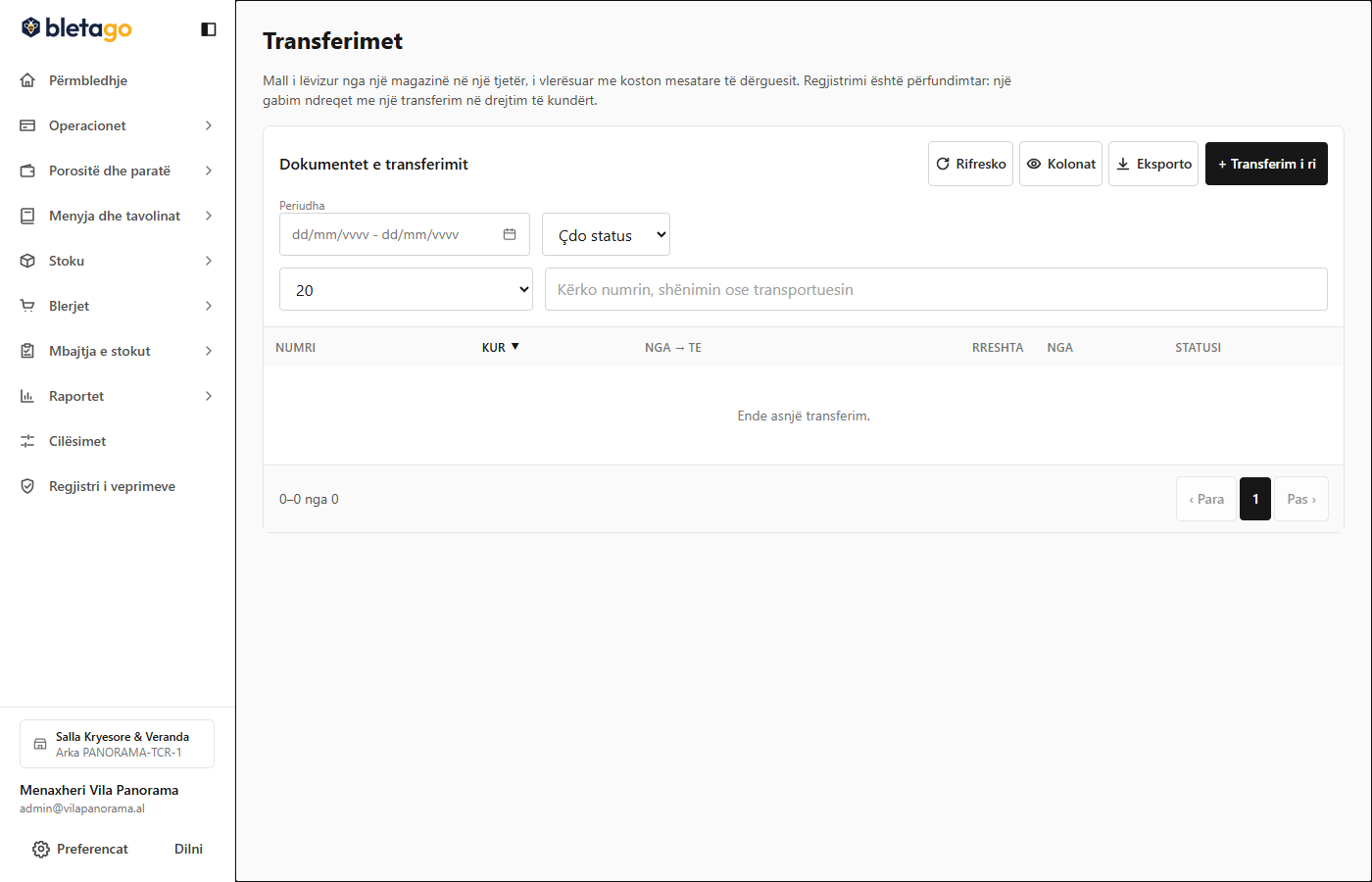
- Go to Inventory -> Transfers -> Create Transfer.
- Choose:
- Shipping Warehouse: Where the goods are being received.
- Receiving Warehouse: Where the goods are being shipped.
- Add items and quantities (e.g. 20 bottles of wine, 15 kg of cheese).
- Press Send Transfer.
- The goods are unloaded from the shipping warehouse and loaded into the receiving warehouse.
- Printing the Accompanying Invoice:
- Press the Print Accompanying Invoice button.
- The system generates the legal document for the transport of goods with a reference number, carrier data and time stamp, in accordance with Albanian fiscal legislation.