

Closing the table and billing
End of the Round Table Session
When customers are ready to leave, the closing and checkout procedure is performed.
Standard Closing Steps:
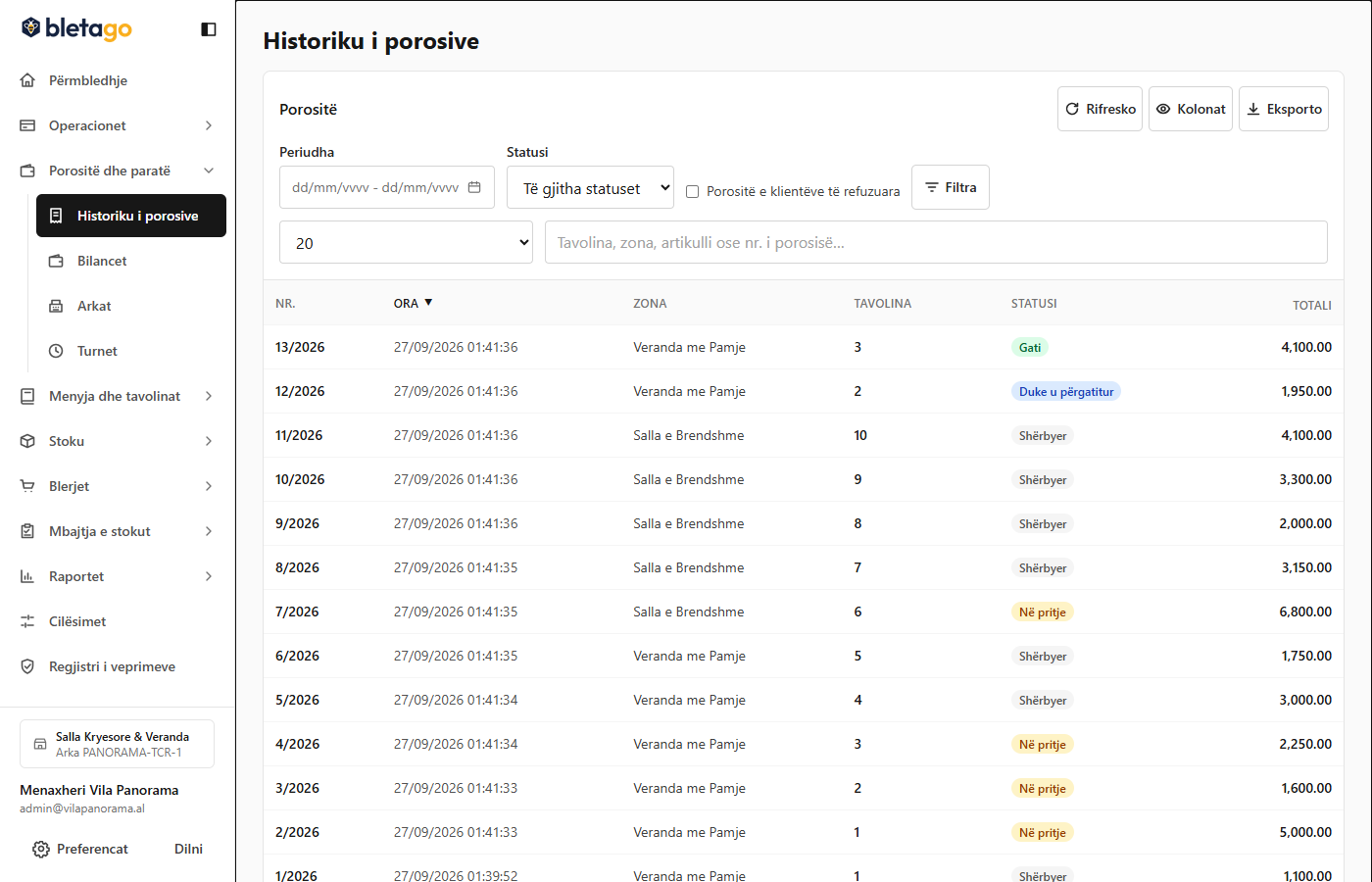
- Service Check: Make sure all dishes are marked as "Served" (a table cannot be closed if there are dishes still being cooked).
- Print Summary: Press the Summary button (
/admin/pos/summary/{id}). This coupon is presented to the customer to view the items and total amount before payment. - Closing the Table:
- Press the Close table button.
- Choose the payment method: Cash or Card.
- Enter the amount given by the customer to see the automatically calculated change.
- Press Confirm payment.
- Fiscalization:
- The system generates the tax invoice with a fiscal serial number and QR code.
- The receipt is printed on the cash register's thermal printer.
- The money is automatically added to the Waiter's Balance and to the Main Cashier.
What is "Force Close"?
If customers get up and leave suddenly, leaving a plate unclaimed:
- The system rejects simple closing because the dish is still listed in the kitchen.
- The manager can press the Forced Close button.
- The manager's password and justification are required. The undelivered dish is deleted from the financial invoice and recorded as a loss.