

Business profile, brand colors and ordering modalities
Restaurant Identity Settings (/admin/settings/company)
BletaGo fits the style and visual identity of your business.
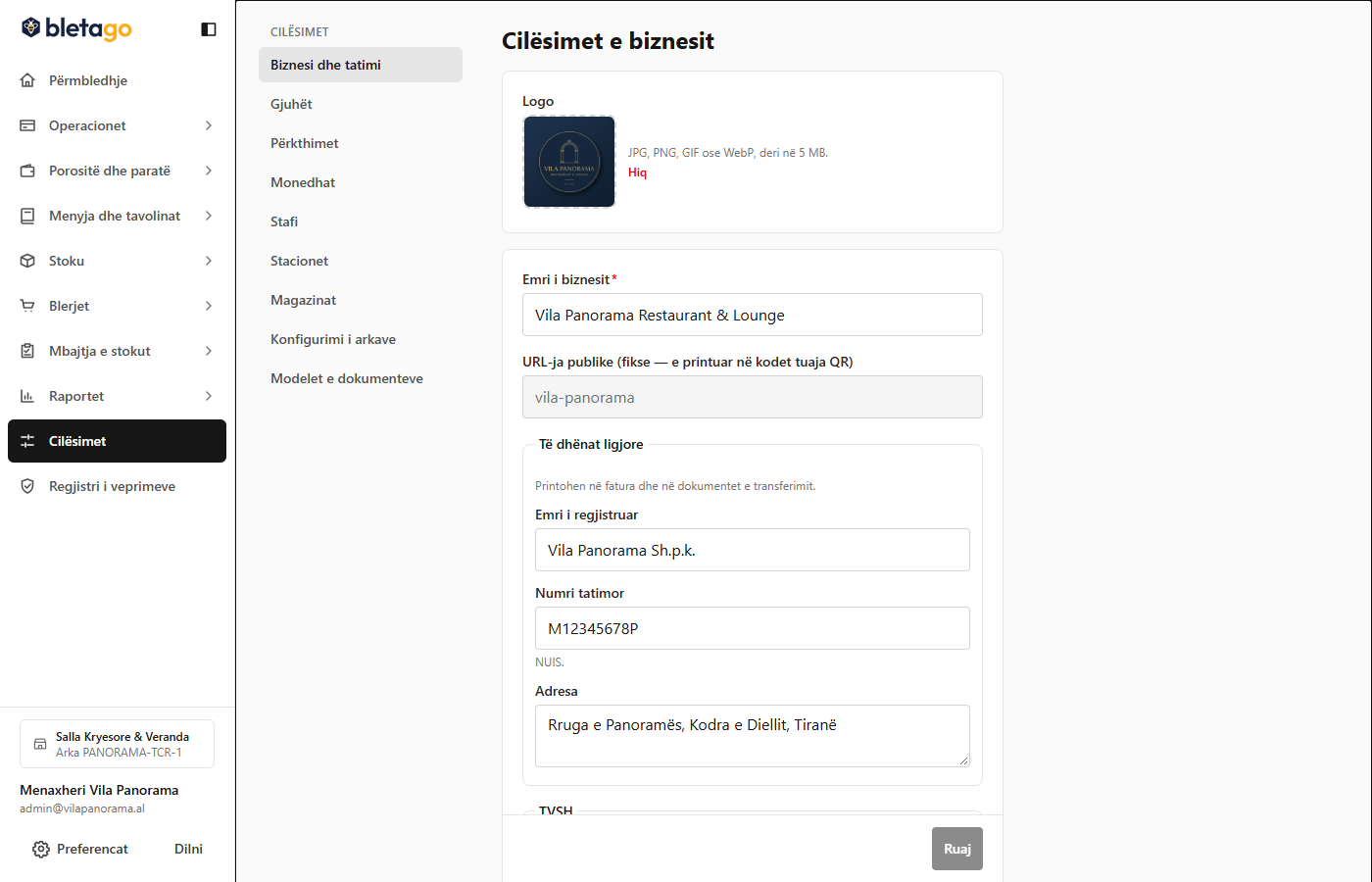
Example: Configuration of Vila Panorama Restaurant & Lounge:
- Business Name: Vila Panorama Restaurant & Lounge
- Brand Color:
#1B365D(Night Blue Elegance) - Official Logo: Uploaded in high quality square format.
Three Ordering Modes:
Your restaurant can operate in one of these ways:
- Customers Can Order Directly:
- The customer scans the QR code and sends the order directly to the kitchen. Recommended for modern restaurants and quick service.
- Customer orders, waiter confirms (CustomersOrderWaiterConfirms):
- The customer selects the dishes on the phone, but the order awaits physical approval by the waiter at the table before entering the kitchen.
- Menu and Waiter Only:
- The phone serves only as a digital catalog without a cart. The customer browses the dishes and presses a button to call the waiter, who takes the order with a tablet.