

Loss, damage and expiration notes
Loss Recording (/admin/inventory/waste)
In every restaurant, damage occurs, food expires or bottles break during transport. If these are not recorded, the computer stock will show more merchandise than there is actually in the refrigerator.
Steps for Recording a Loss Report:
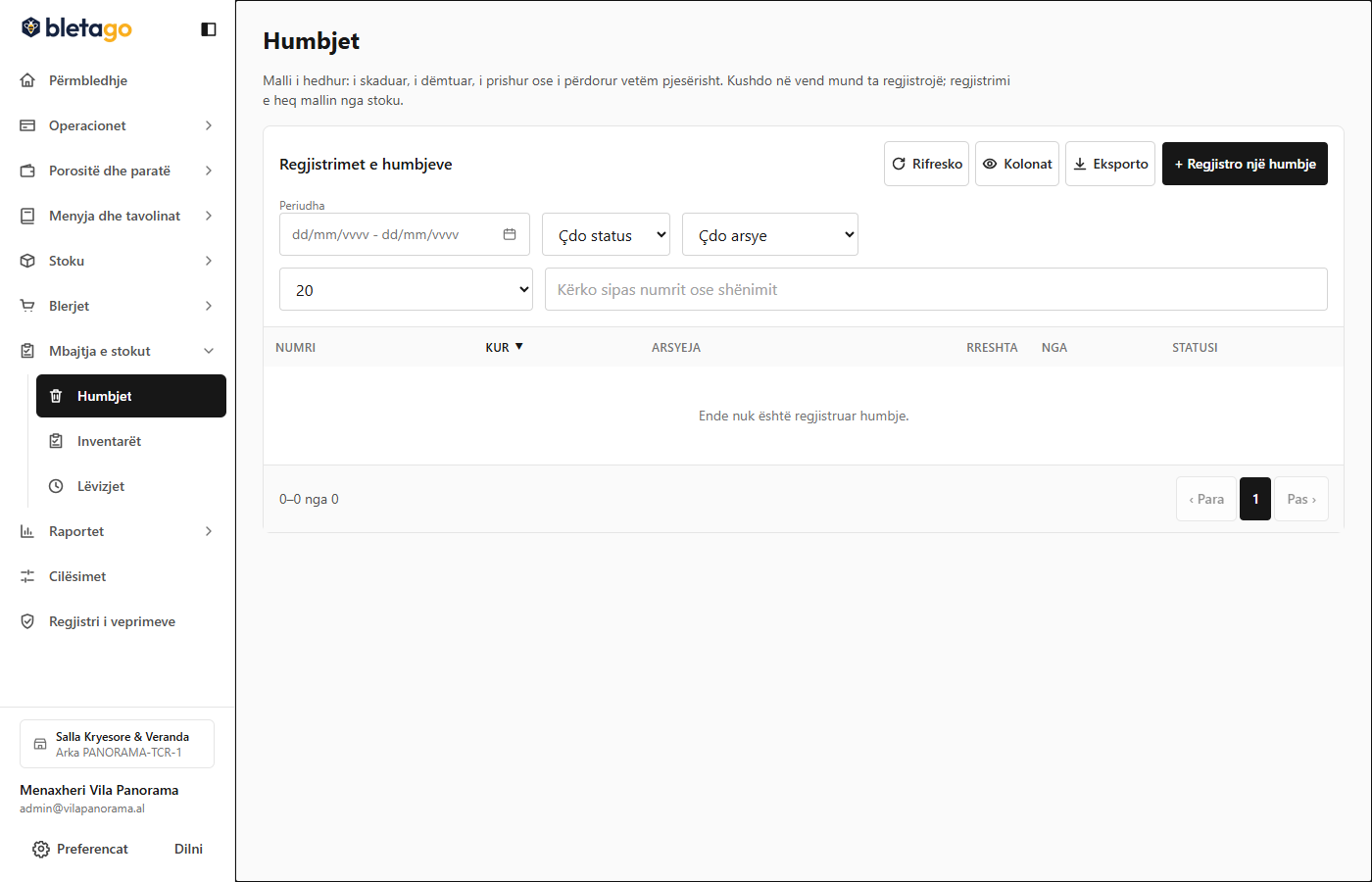
- Go to Inventory -> Losses -> Record Loss.
- Select the warehouse where the loss occurred.
- Select the damaged item (e.g. Field Tomatoes).
- Enter the lost quantity (e.g.
3.5 kg). - Select Reason for Loss:
- Expired / Broken
- Damage / Breakage during work
- Cooking Error / Burnt Dish
- Menu Sample / Staff Consumption
- Enter an explanatory note and press Confirm Loss.
Effect: Stock is immediately reduced, and the value of the lost merchandise is reflected in the monthly Waste Report for managerial analysis.